Forest Aesthetic Wallpaper for Phone: 40+ Free Picks
A forest aesthetic wallpaper for phone screens brings a calm, natural look to your lock screen and home screen. It works with any theme, hides notification clutter well, and doesn’t fight with your app icons for attention.
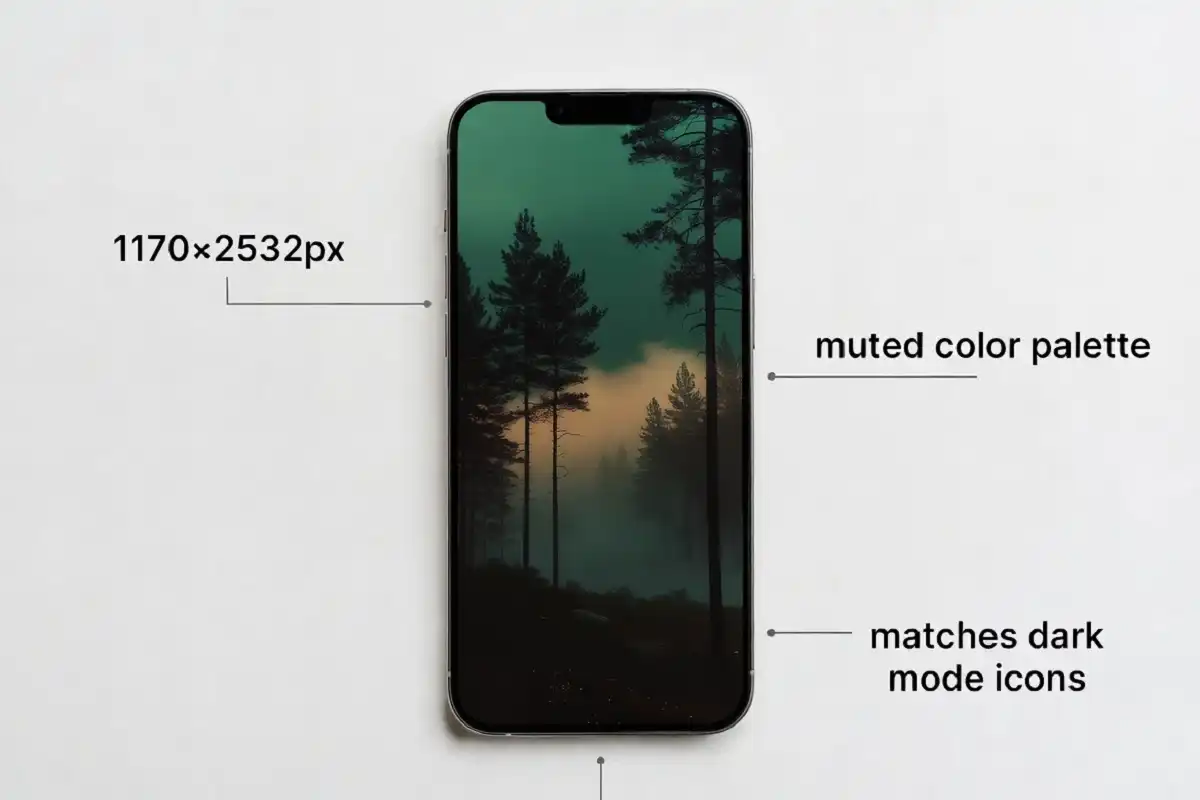
The best forest aesthetic wallpaper for phone use has muted greens, soft light (dawn or fog), and a resolution of at least 1170×2532px for iPhone or 1080×2400px for Android. Free sources like Unsplash and Pexels offer high-res, ad-free options in this style.
What Makes a Wallpaper “Forest Aesthetic”
A forest aesthetic wallpaper for phone screens isn’t just any photo of trees. It follows a specific visual mood.
Three things define the look:
- Muted, desaturated color. Deep greens, soft browns, and low-contrast light instead of bright, punchy colors.
- Atmosphere over detail. Fog, mist, or dappled sunlight matters more than sharp focus on individual leaves.
- Negative space at the top and bottom. This is where your clock, widgets, and app icons sit, so busy detail there hurts usability.
I shoot a lot of forest scenes on early trail mornings, and the shots that make the best wallpapers are almost never the “prettiest” ones by daylight standards. Foggy, quiet, low-saturation frames read better on a small screen than a saturated midday shot.
Best Resolutions for Forest Wallpapers by Phone Model
Getting the resolution right matters more than most people realize. A wallpaper that’s too small stretches and blurs. Too large wastes storage and load time for no visual gain.
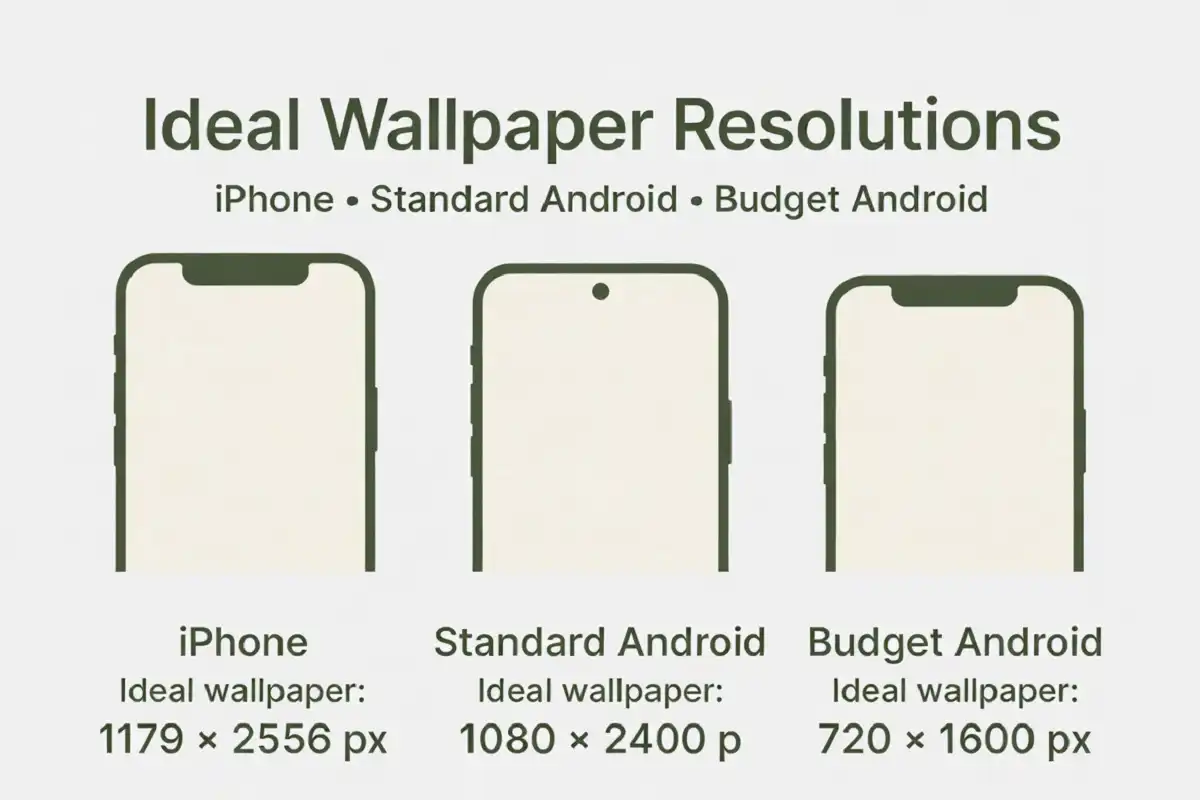
| Phone type | Recommended resolution |
|---|---|
| iPhone 14/15/16 (standard) | 1170 x 2532 px |
| iPhone Pro Max models | 1290 x 2796 px |
| Standard Android (Pixel, Galaxy) | 1080 x 2400 px |
| Budget Android phones | 720 x 1600 px |
If you don’t know your exact model, 1080×2400px works safely across almost all modern Android phones. For iPhone, 1170×2532px covers the majority of devices from the last three years.
Where to Find Free Forest Aesthetic Wallpapers
You don’t need to pay for a good forest aesthetic wallpaper for phone screens. Several sources offer high-resolution, license-free images.
Unsplash has the deepest forest photography library of any free source. Search “moody forest” or “foggy pine forest” instead of just “forest” to skip the generic stock shots.
Pexels works well if you want more variety in lighting, including golden hour and blue hour forest shots that fit the aesthetic especially well.
Pinterest is useful for finding curated forest aesthetic wallpaper for phone boards, though you’ll need to click through to the original source to get full resolution. Pinterest previews are usually compressed below usable quality.
For something that matches your regional look, my guide on nature photography techniques for changing light covers how to judge which forest shots will hold up well at high resolution versus which will look flat once scaled down.
How to Set a Forest Wallpaper Without Cropping It Wrong
Cropping is where most people ruin a good forest aesthetic wallpaper for phone setups. Here’s how to avoid it.
- Check the image’s native resolution before downloading. Anything below your phone’s screen resolution will blur.
- On iPhone, choose “Perspective” for a parallax depth effect, or “Still” if the image has a busy composition that shouldn’t shift.
- On Android, use “Adjust wallpaper” to manually reposition the crop box so the darkest or busiest part of the forest scene doesn’t sit behind your clock widget.
- Preview both lock screen and home screen before confirming. Icons and widgets change how much visual breathing room the image needs.
Dark Mode vs Light Mode: Which Forest Style Works Better
Dark mode works better with deep, moody forest wallpapers that have low overall brightness, since bright wallpapers wash out and compete with dark app icons.
If your phone stays in light mode most of the day, a lighter forest wallpaper with morning fog or filtered sunlight keeps better contrast against white system text and light-themed icons. Test your wallpaper choice against both modes if you switch between them, since a wallpaper that looks moody and rich in dark mode can look muddy in light mode.
Static vs Live Forest Wallpapers
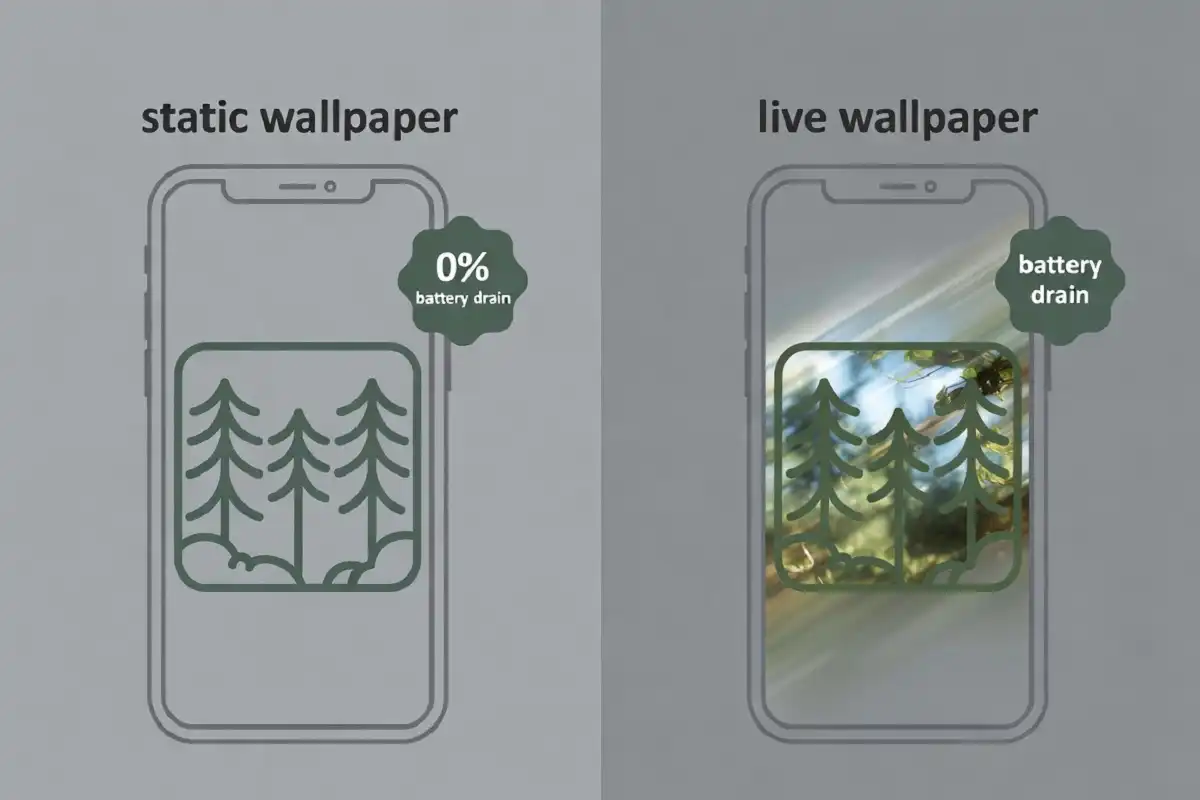
Static forest wallpapers use no extra battery and work on every phone. Live forest wallpapers, where fog drifts or leaves sway slightly, use more battery and aren’t supported on every Android skin.
If you want the moving effect, iPhone’s built-in “Live” wallpaper category (from your own Photos library or Apple’s default sets) is the most reliable option. Third-party live wallpaper apps for Android vary a lot in quality and battery drain, so check reviews for battery complaints before installing one.
Matching Your Forest Wallpaper to Your Home Screen Setup
A forest aesthetic wallpaper for phone screens looks best when your icons and widgets support the mood instead of clashing with it.
- Use muted or monochrome icon packs. Bright, saturated app icons fight visually with a soft forest scene.
- Keep widget count low. One or two widgets (weather, calendar) work better than a packed grid over a detailed forest photo.
- Match your widget accent color to a dominant tone in the wallpaper, like moss green or warm amber, for a setup that reads as intentional rather than random.
For more ideas on building out a full aesthetic beyond just the wallpaper, see this breakdown of nature-inspired phone background themes, which covers icon packs and widget pairing in more depth.
Seasonal Forest Wallpaper Variations
Forest aesthetics shift meaningfully by season, and picking one that matches your actual environment (or mood) makes a real difference.
- Spring: Fresh green canopy, soft light, new growth. Reads as hopeful and light.
- Summer: Deep, saturated green, dappled sunlight through full canopy. Reads as lush and grounded.
- Fall: Amber, rust, and gold tones mixed with green. The most popular forest aesthetic wallpaper for phone search category by far, based on seasonal search patterns.
- Winter: Bare branches, frost, or snow-dusted pine. Reads as quiet and minimal.
If you’re rotating wallpapers by season, save one of each ahead of time rather than searching fresh every few months. Search results for “forest aesthetic” shift constantly, and finding the same high-quality shot again later isn’t guaranteed.
Last Notes
A forest aesthetic wallpaper for phone screens comes down to three things: the right mood (muted, atmospheric, not overly detailed), the right resolution for your exact device, and a crop that respects where your icons and widgets sit. Get those three right and the wallpaper does its job without you thinking about it again until you’re ready for a change.
If you want the full technical rundown on standard nature wallpaper sizing across more device types, my guide on best wallpaper resolutions for mobile screens goes deeper into that side of things.
FAQs

What size should a forest wallpaper be for iPhone?
Do live forest wallpapers drain battery faster?